
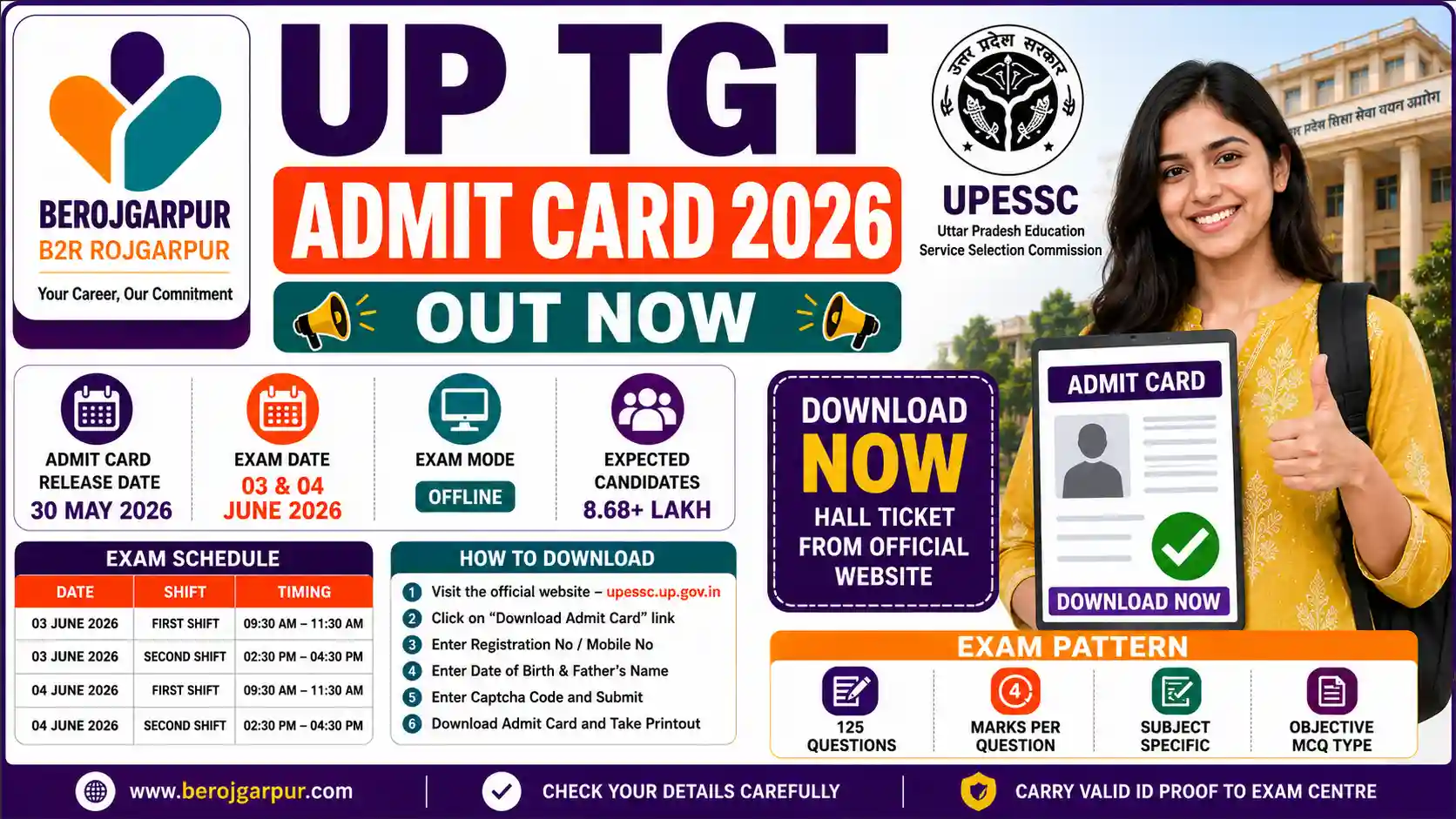

The UP TGT Admit Card 2026 Out has been released by the Uttar Pradesh Education Service Selection Commission (UPESSC) on May 30, 2026. Candidates who applied for the Trained Graduate Teacher (TGT) recruitment examination can now download their Admit Cards from the official website. BEROJGARPUR B2R ROJGARPUR.
The UP TGT examination is being conducted under Advertisement No. 01/2022. The examination is scheduled to be held across Uttar Pradesh on June 3, 2026, and June 4, 2026. Candidates can download their Hall Tickets using their Registration Number/Mobile Number, Date of Birth, and Father’s Name.
UP TGT Admit Card 2026 Out Important Date
| Event | Date |
|---|---|
| TGT Notification | Advt. No. 01/2022 |
| Admit Card Release Date | 30 May 2026 |
| Exam Date | 03 June 2026 |
| Exam Date | 04 June 2026 |
| Admit Card Status | Released |
UP TGT Admit Card 2026 Overview
| Particulars | Details |
| Organization | UPESSC |
| Post Name | Trained Graduate Teacher (TGT) |
| Advertisement No. | 01/2022 |
| Admit Card Status | Released |
| Exam Date | 03 & 04 June 2026 |
| Official Website | upessc.up.gov.in |
UP TGT Exam Schedule 2026
| Date | Shift | Time |
| 03 June 2026 | First Shift | 09:30 AM – 11:30 AM |
| 03 June 2026 | Second Shift | 02:30 PM – 04:30 PM |
| 04 June 2026 | First Shift | 09:30 AM – 11:30 AM |
| 04 June 2026 | Second Shift | 02:30 PM – 04:30 PM |
Important Link
| Download Admit Card | Click Here |
| Official Website | Click Here |
Step and Process
Step 1
Visit the official website of UPESSC.
Step 2
Click on the “Download Admit Card” link on the homepage.
Step 3
Enter your Registration Number or Mobile Number.
Step 4
Enter your Date of Birth and Father’s Name.
Step 5
Enter the Captcha Code.
Step 6
Click on the Submit button.
Step 7
The Admit Card will appear on the screen.
Step 8
Download the PDF and take a printout.
Important Instructions
✔ Carry a printout of the Admit Card with you.
✔ It is mandatory to carry a valid photo ID proof.
✔ Verify your name, photograph, and examination center details on the Admit Card.
✔ Arrive at the examination center ahead of schedule.
✔ In case of any discrepancy, contact UPESSC immediately.
✔ Mobile phones and electronic devices may be prohibited inside the examination center.
UP TGT Admit Card 2026 Out (FAQS)
Q1. When was the UP TGT Admit Card 2026 released?
Ans: The UP TGT Admit Card 2026 was officially released on 30 May 2026 by the Uttar Pradesh Education Service Selection Commission (UPESSC).
Q2. What are the exam dates for UP TGT Exam 2026?
Ans: The UP TGT Examination 2026 will be conducted on 03 June 2026 and 04 June 2026 across Uttar Pradesh.
Q3. How can I download the UP TGT Admit Card 2026?
Ans: Candidates can download their admit card by visiting the official website, entering their Registration Number or Mobile Number, Date of Birth, and Father’s Name.
Q4. What details are required to download the UP TGT Hall Ticket 2026?
Ans: Candidates need their Registration Number or Mobile Number, Date of Birth, and Father’s Name to download the admit card.
Q5. What is the official website to download the UP TGT Admit Card 2026?
Ans: Candidates can download the admit card from the official website: https://upessc.up.gov.in/
Q6. What should I do if there is an error on my UP TGT Admit Card?
Ans: If you find any discrepancy in your name, photograph, exam center, or other details, you should immediately contact UPESSC before the examination.
Q7. What is the exam pattern for UP TGT Exam 2026?
Ans: The UP TGT Exam 2026 will be conducted in offline mode with 125 objective-type (MCQ) questions based on the concerned subject.
Q8. What are the exam shift timings for UP TGT 2026?
Ans: The examination will be conducted in two shifts: 09:30 AM to 11:30 AM and 02:30 PM to 04:30 PM.
Q9. Is it mandatory to carry a photo ID proof along with the UP TGT Admit Card?
Ans: Yes, candidates must carry a valid photo ID proof along with the printed admit card to the examination center.
Q10. How many candidates are expected to appear in the UP TGT Exam 2026?
Ans: More than 8.68 lakh candidates are expected to appear in the UP TGT Examination 2026.